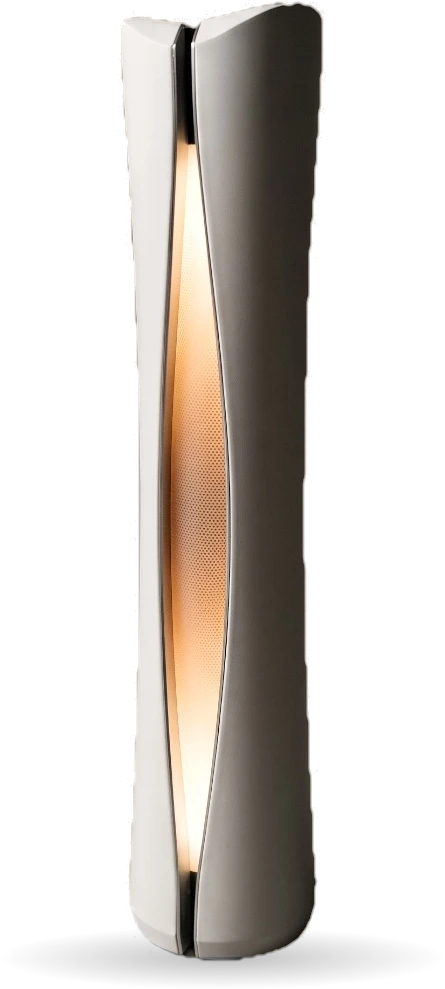
The place runs itself. You look after customers.
Lights, AC, music, fridges and gas all report to one Tower in your café, restaurant, shop or office. It opens and closes the place with one word, catches warm fridges and gas leaks early, and shows you where the power goes, without filming your customers.
- Device families
- 6
- Device types
- 22
- Ways to connect
- 7
- Video sent to the cloud
- 0
Less to remember on a busy shift.
- 01
Open and close in one go
Lights, AC, music, machines, gas and shutters follow one scene, so nothing is left on overnight.
- 02
Stock kept safe
Fridges and freezers are checked every minute, with a temperature log ready for inspections.
- 03
Lower power bills
AC and lights follow how busy the place actually is, and you see what every machine costs.
Everything reports to the Tower.
Pick a family to see its devices and what the Tower does with each one. MindSpeak devices are ones we're designing. Works with Tower devices are standard gear you can buy today.

Tap a family above or on the map
Front desk & scenes
Open, close, rush hour, after hours. One word or one press sets the whole place.
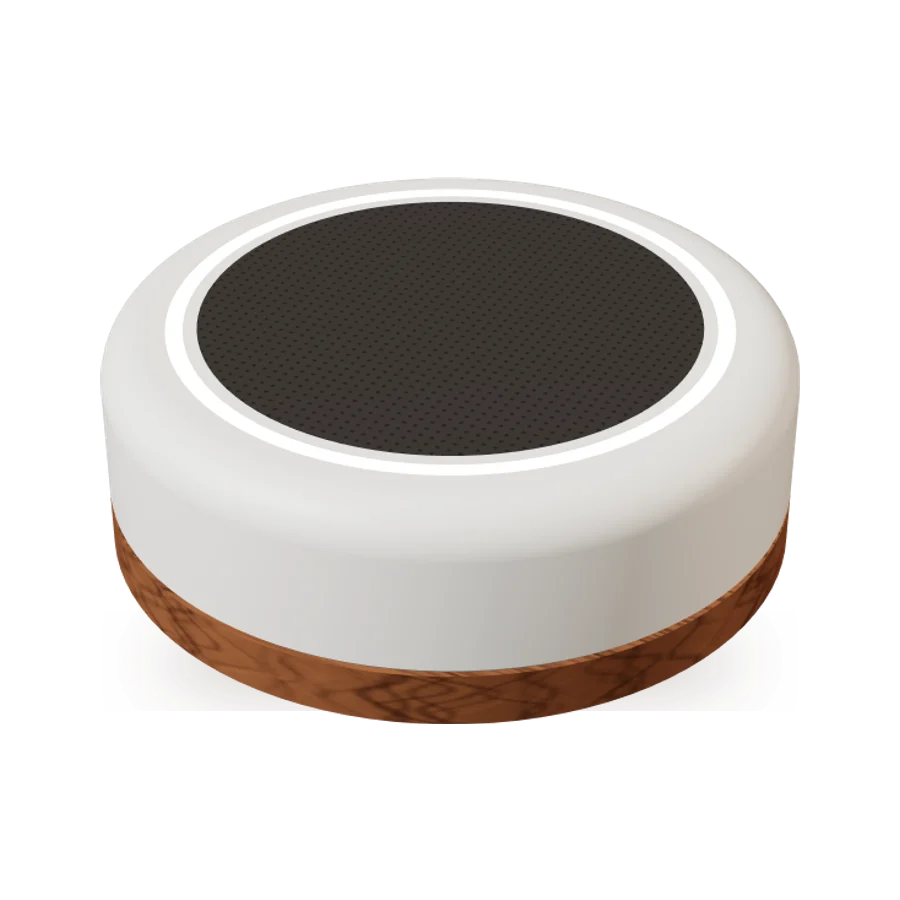 Voice SatelliteMindSpeakWi-Fi
Mic array, speaker, light ring and hardware mute at the counter or front desk
“We're opening” turns on the lights, AC, music and the machines you start the day with.
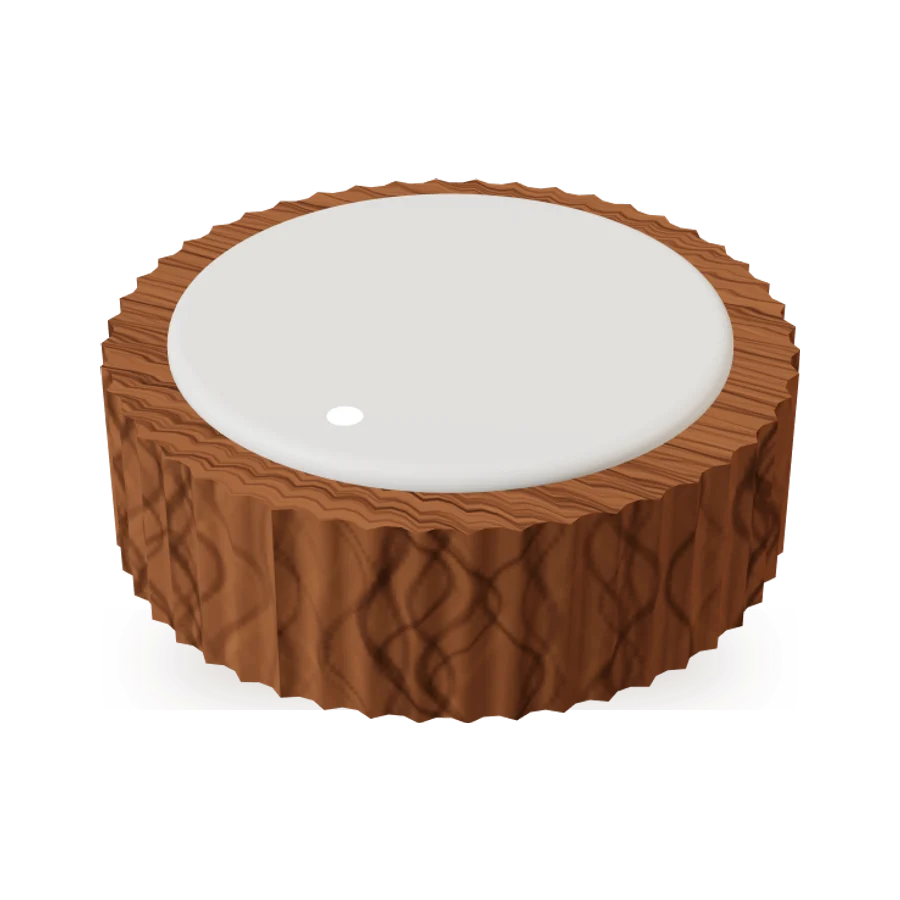 Scene KnobMindSpeakThread
Turn for music volume, press for open, rush or close
One press at closing time runs the whole closing checklist.
- Wall touch panelWorks with TowerWi-Fi · Matter
In-wall touch screen with scene buttons
Shows today's alerts and fridge temperatures, and lets any staff member run a scene.
How the pieces work together.
Every morning
Opening up
- 1The first person in says “We're opening” at the front desk.
- 2Lights, AC and music come on, and the machines start warming up.
- 3The Tower reads out anything from overnight: “Display fridge went to 6°C at 2 am for ten minutes.”
- 4The outdoor sign switches on once the shutter is up.
Cold chain
Freezer left open
- 1After the morning delivery, the freezer door sensor stays open.
- 2Two minutes later the back-room satellite chimes: “Freezer door is open.”
- 3Still open at five minutes, so the shift lead gets a phone alert.
- 4The temperature excursion is added to the temperature log.
Energy
The afternoon lull
- 1Upstairs has been empty for 20 minutes after lunch.
- 2Upstairs lights dim and the AC goes to 26°C.
- 3When people come back up, it all returns within a minute.
- 4The weekly report shows how much the lull saved.
Every night
Closing time
- 1One press on the Scene Knob at closing time.
- 2Music, lights, standby equipment and signage go off. Fridges stay on.
- 3The Tower checks the gas valve, back door and windows, and reads out anything still open.
- 4The shutter comes down, and the owner gets a “Closed and secure” message.
The AI suggests. Rules decide.
Footfall and occupancy are counted as events on the Tower. No video of your customers or team ever leaves the premises.
- 01
Acts on its own
Lights, music, AC, fans, signage
Comfort changes happen straight away, are logged, and can always be explained.
- 02
Asks the owner first
Unlocking doors, raising the shutter after hours
Nothing happens until the owner or a manager confirms on their phone.
- 03
Never left to AI
Gas, smoke, water leaks, fridge alarms
Fixed rules that respond instantly and never wait on a model.
Try it in your business.
We're looking for cafés, restaurants, shops and small offices to try the Tower on their premises and help shape what it does.