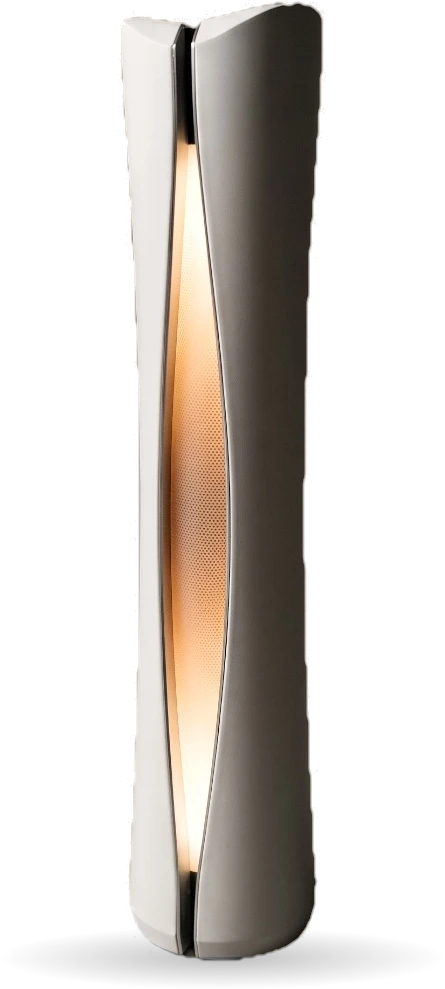
One Tower. Every room.
Sensors, switches, the AC, the curtains and the TV all report to the Tower. It sees, hears, remembers and decides inside your home, so the whole house can look after the people in it.
- Device families
- 8
- Device types
- 61
- Ways to connect
- 7
- Video sent to the cloud
- 0
Built around one quiet column.
61 devices across 8 families, every one reporting to the Tower. A few from each family are below, and the device map has them all.
Smart interaction
5 devices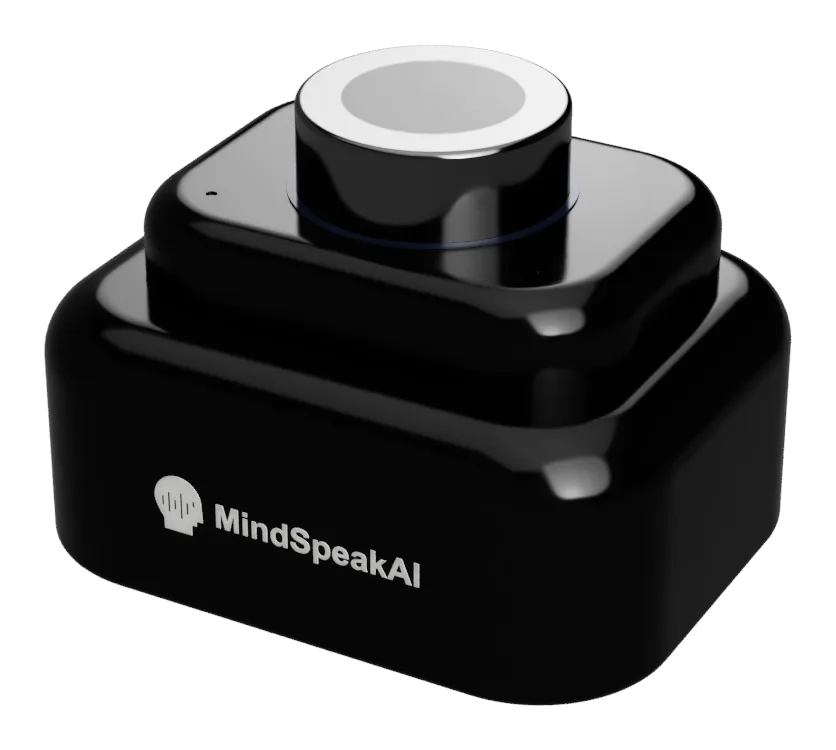 MS-IN01Sona Hub X
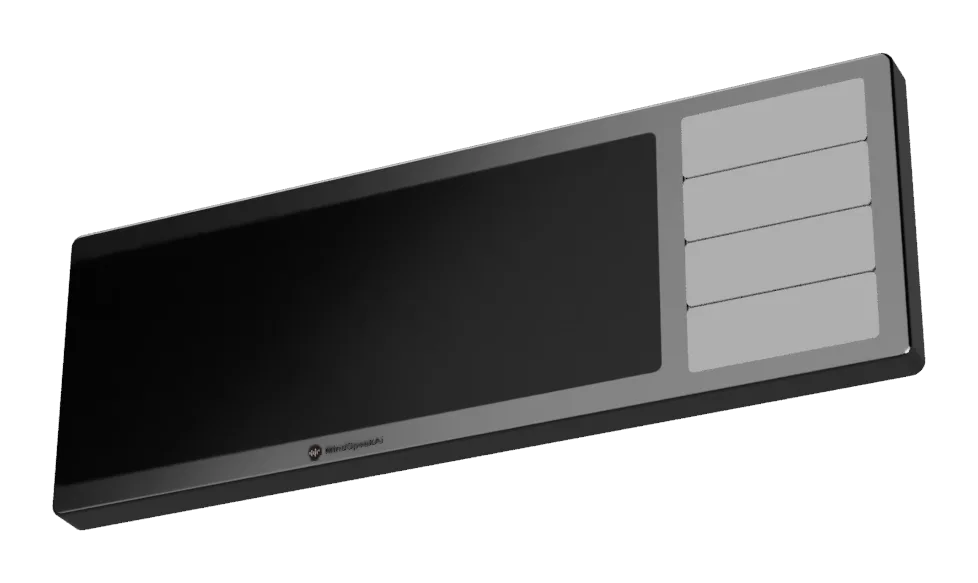 MS-IN02Sona Panel 10
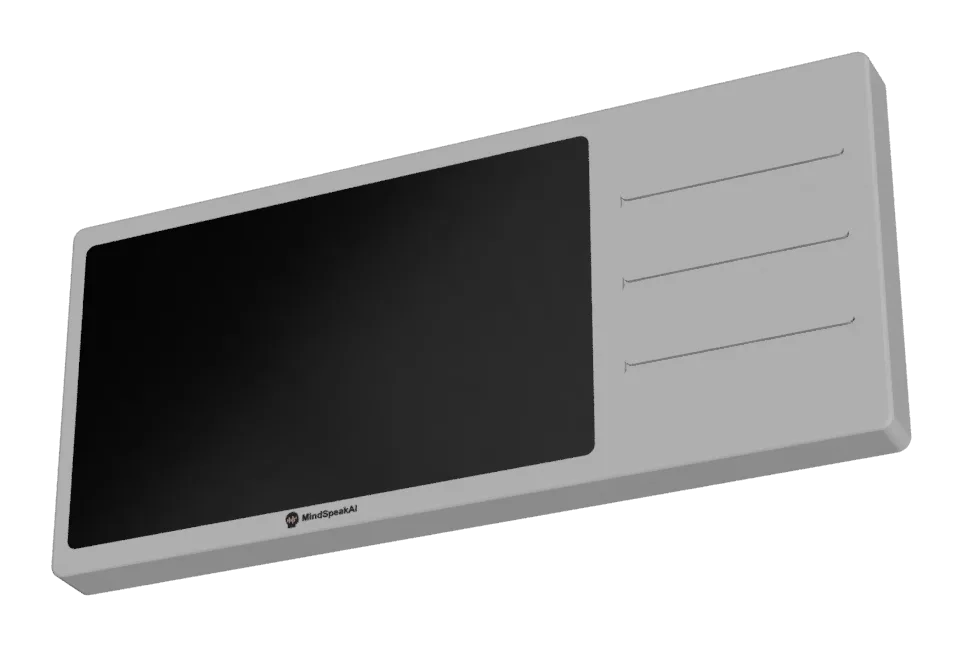 MS-IN03Sona Panel 7
- +2more
Smart stations
2 devices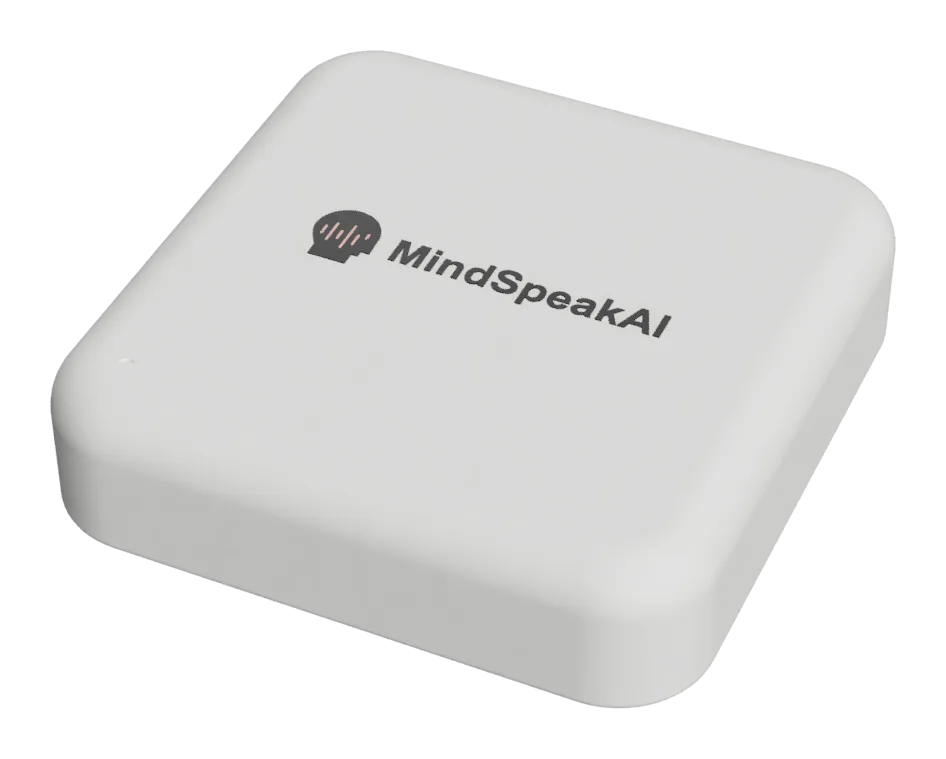 MS-ST01Core Station
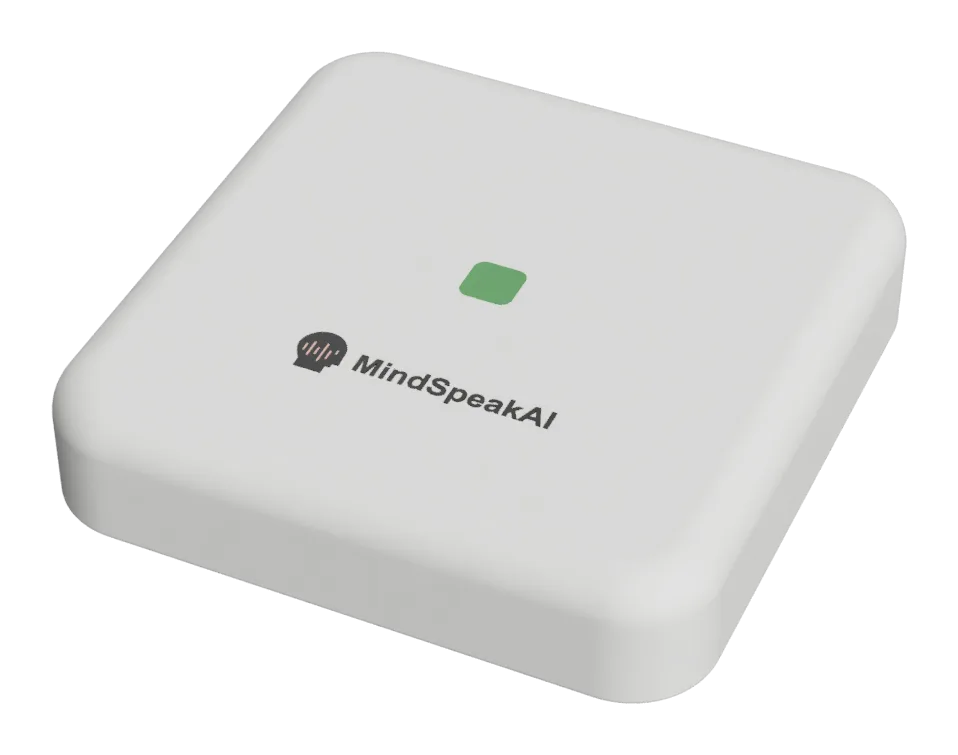 MS-ST02Core Guard Station
Smart lighting
21 devices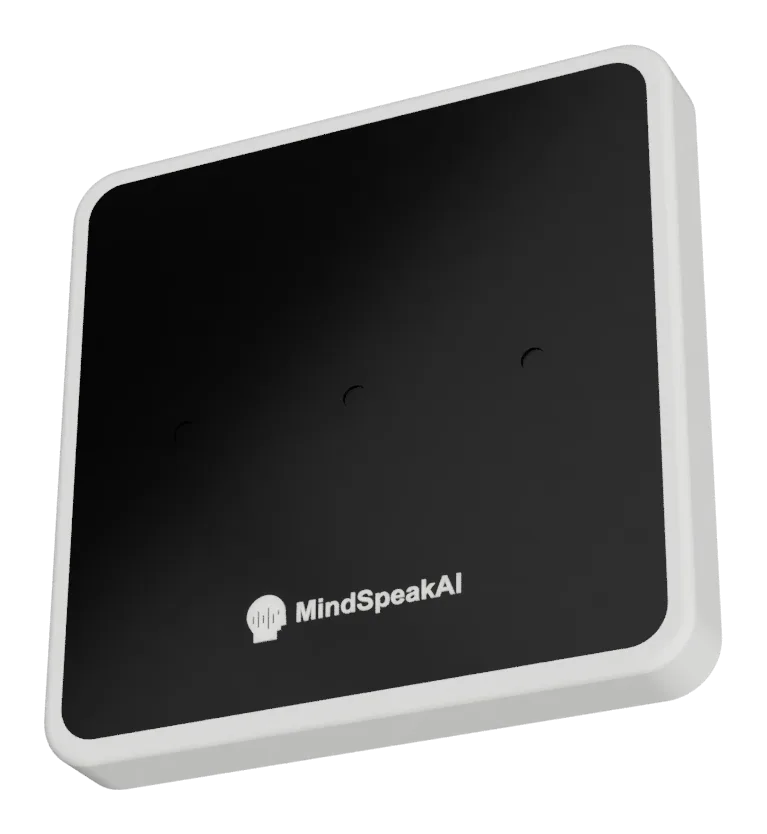 MS-LT01Aria Touch Switch
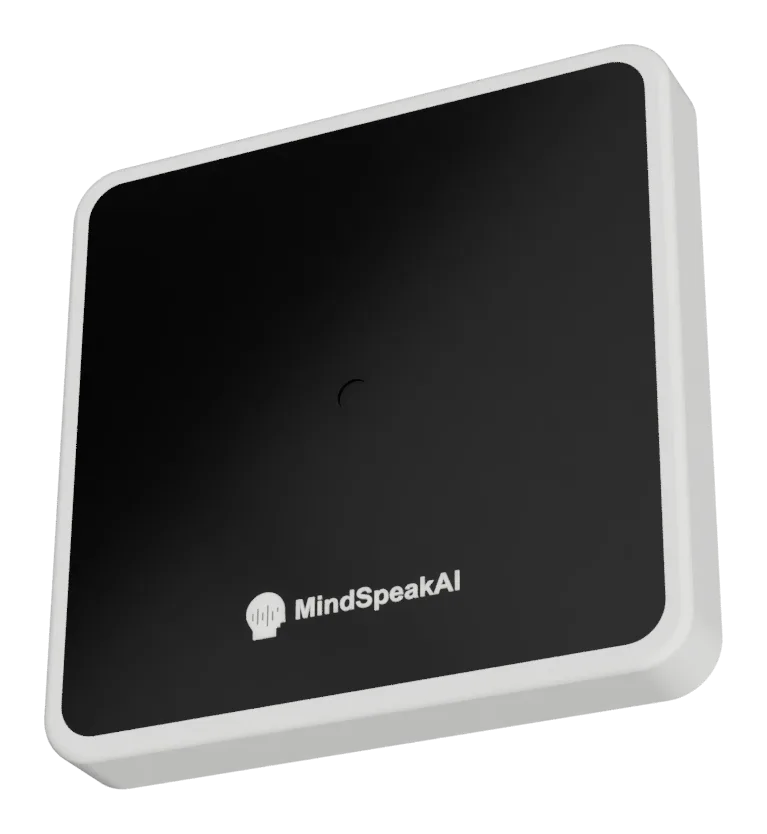 MS-LT13Aria Power Switch
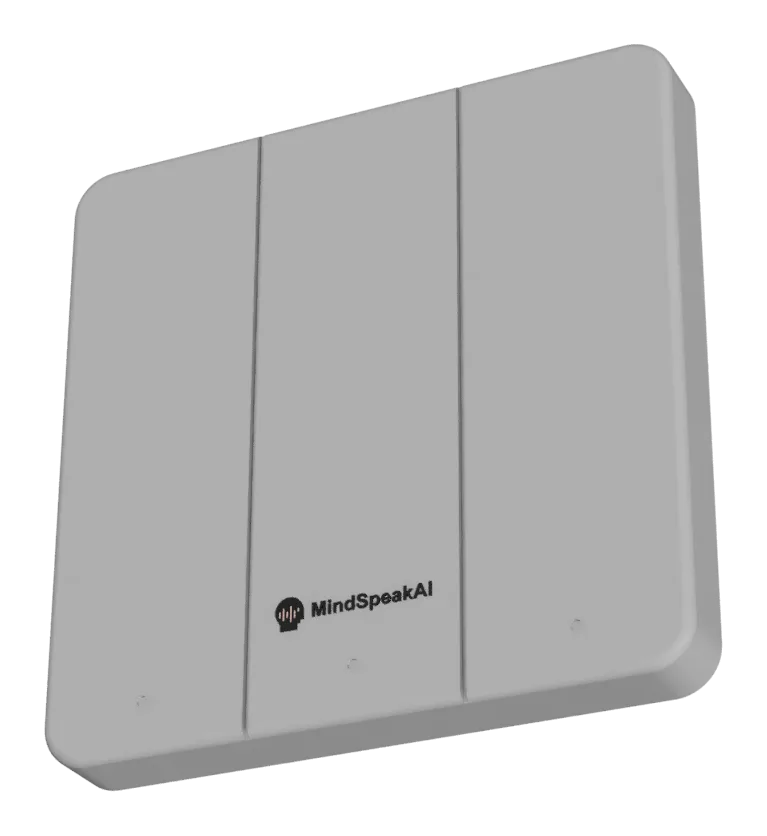 MS-LT02Flow Switch
- +18more
Home security
17 devices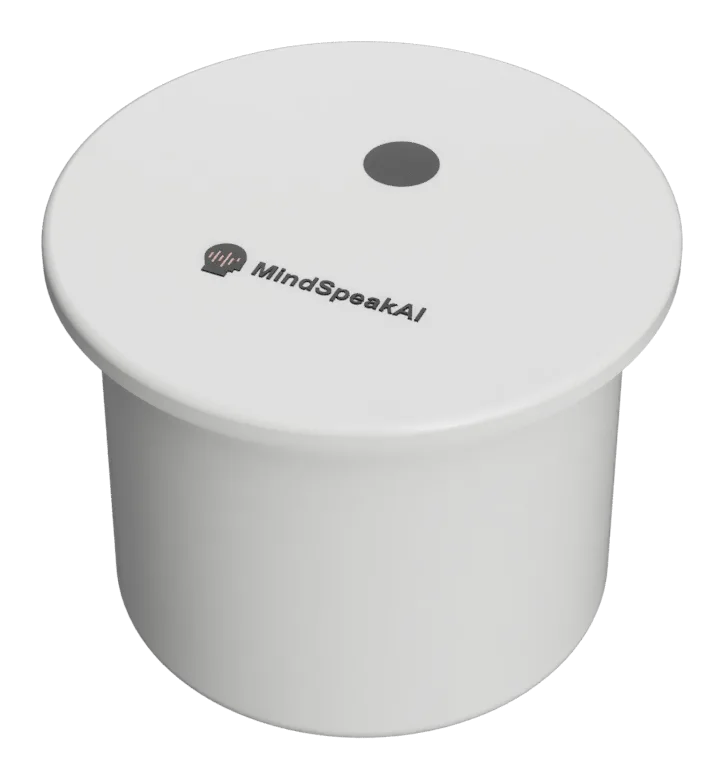 MS-SC10Sense Presence Radar
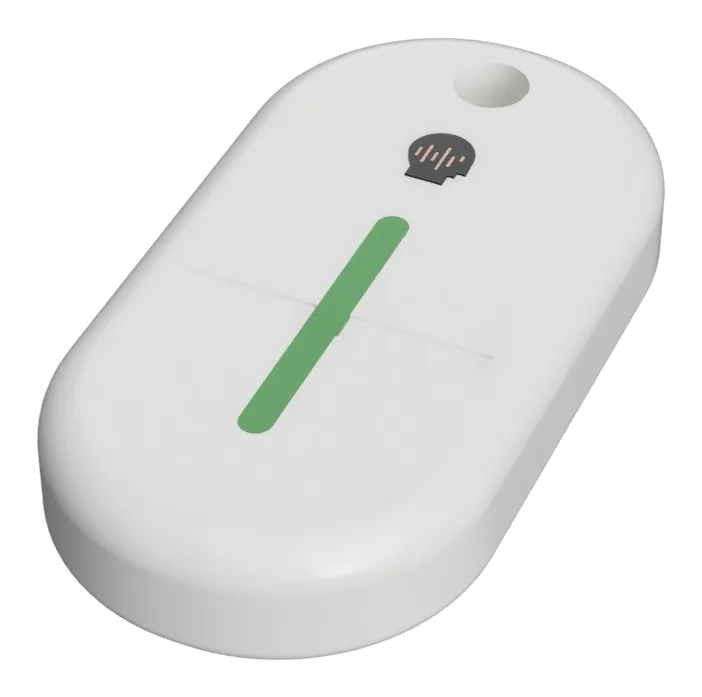 MS-SC04Vigil Key Fob
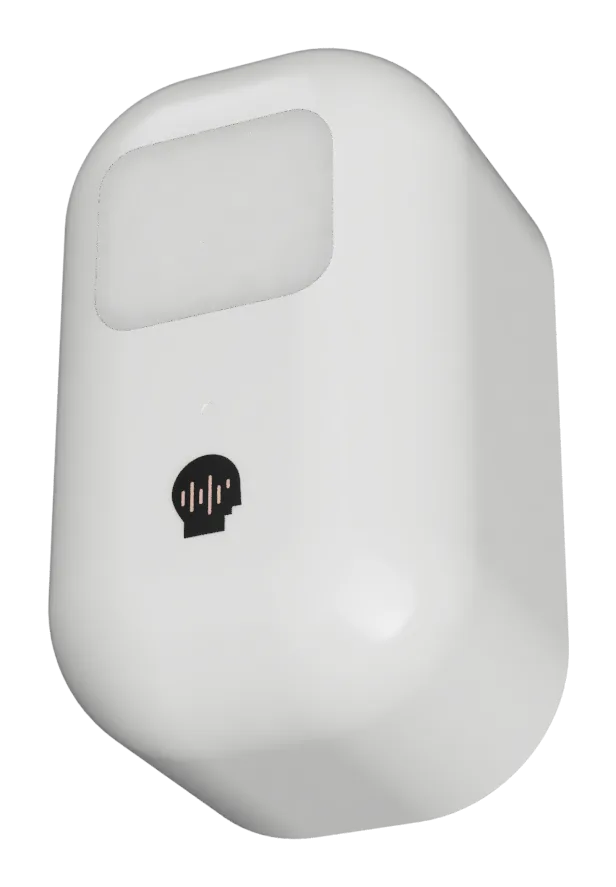 MS-SC01Vigil Motion Sensor
- +14more
Smart shading
6 devices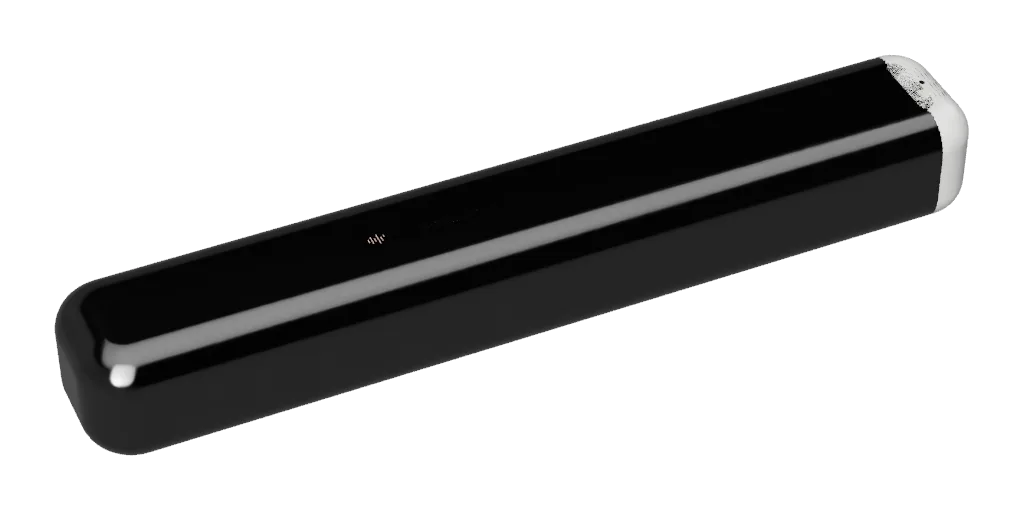 MS-SH01Drift Curtain Motor
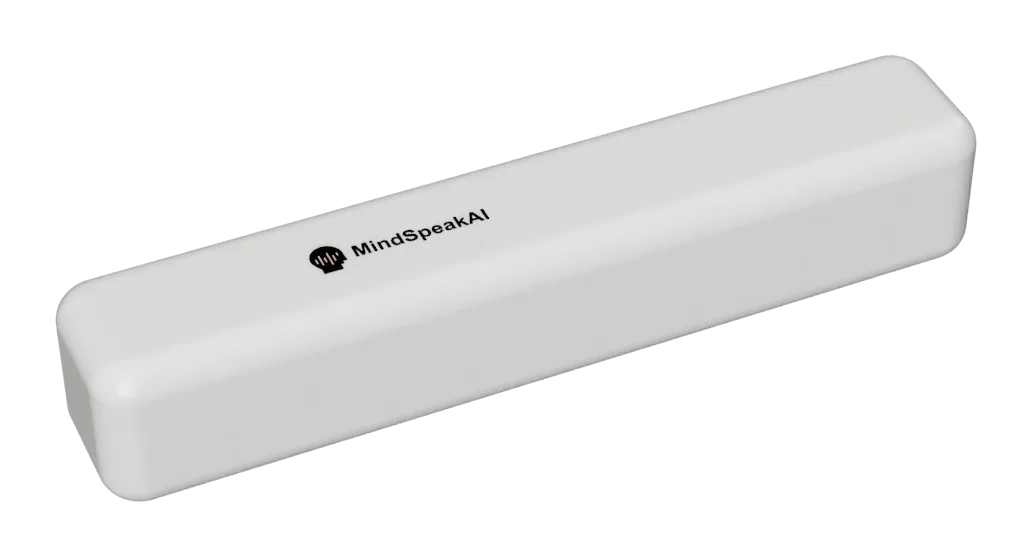 MS-SH04Drift Link Curtain Motor
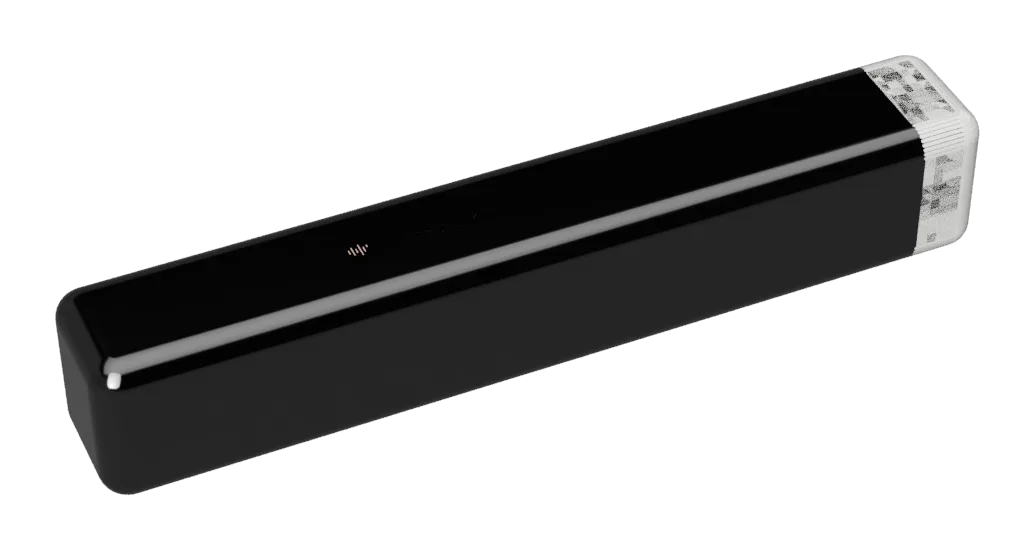 MS-SH05Drift Silent Curtain Motor
- +3more
Smart thermostats
3 devices MS-TH01Therma Mini
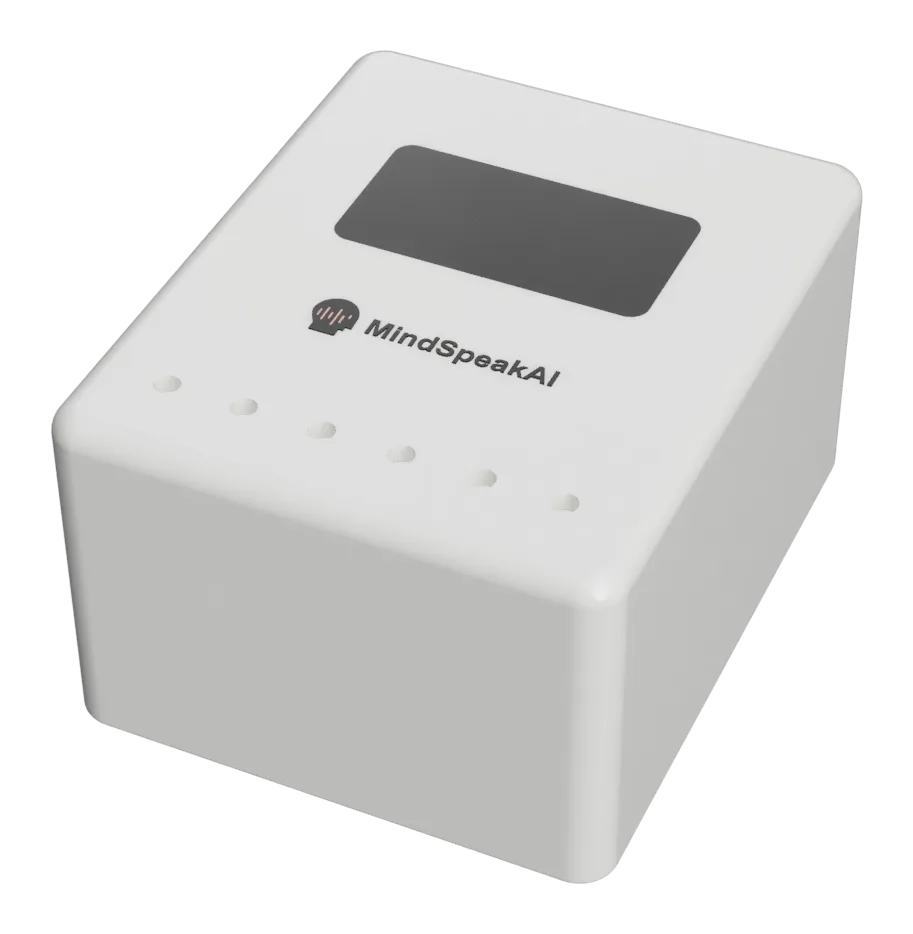 MS-TH02Therma AC Gateway
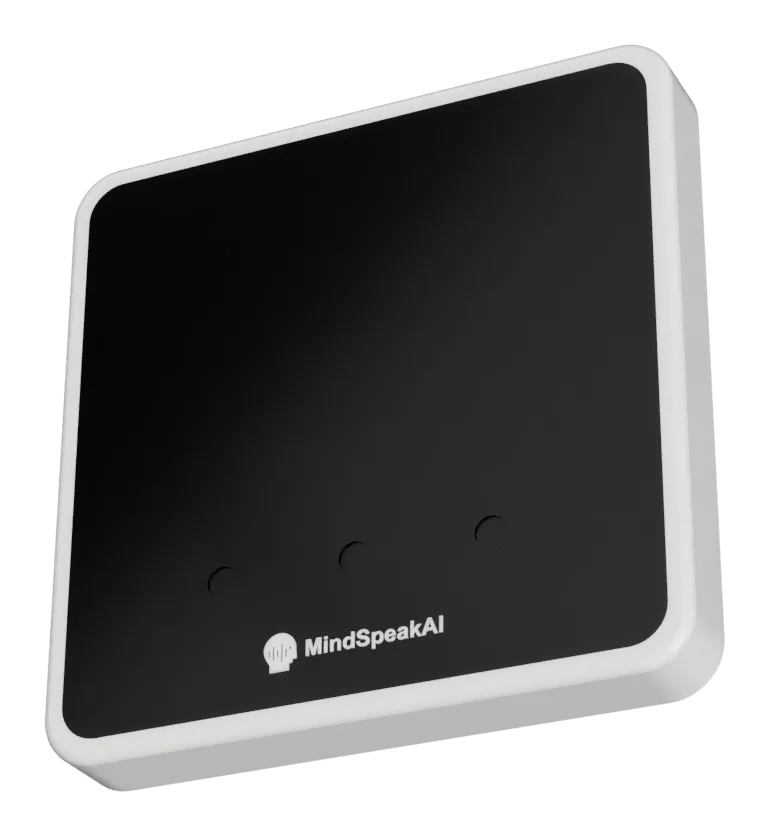 MS-TH03Therma 24V Thermostat
Energy management
5 devices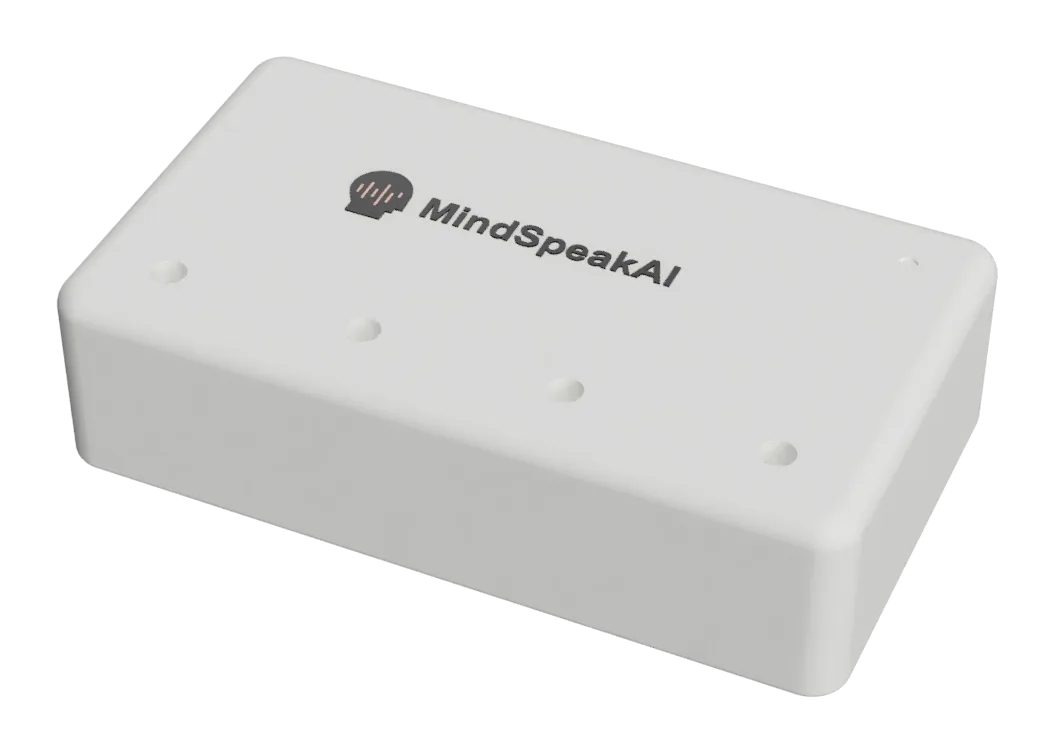 MS-EN01Volt RS485 Bridge
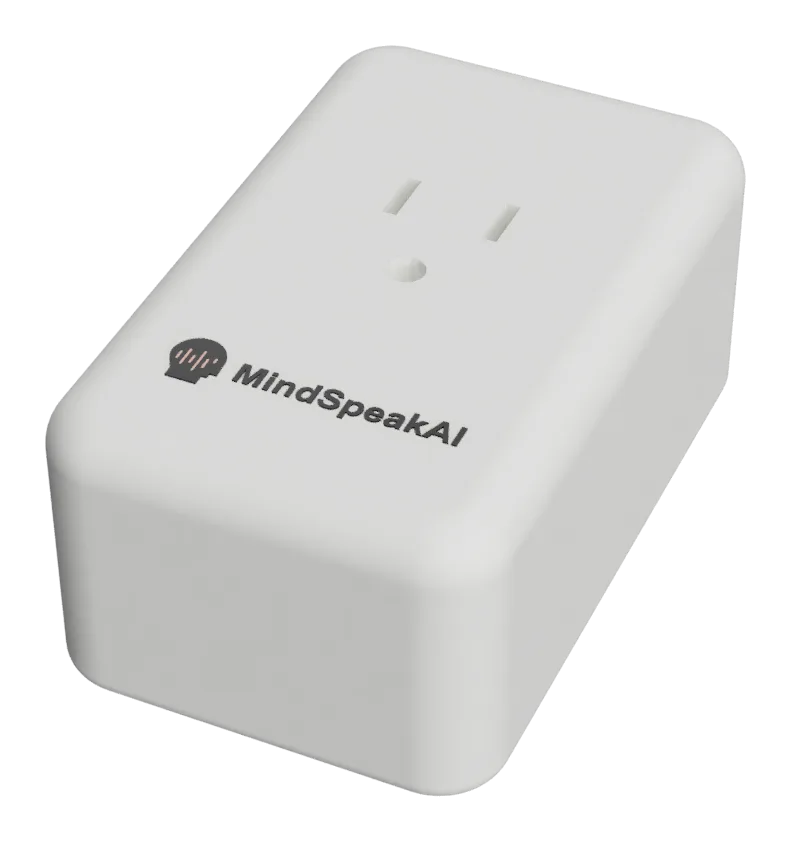 MS-EN02Volt Plug US
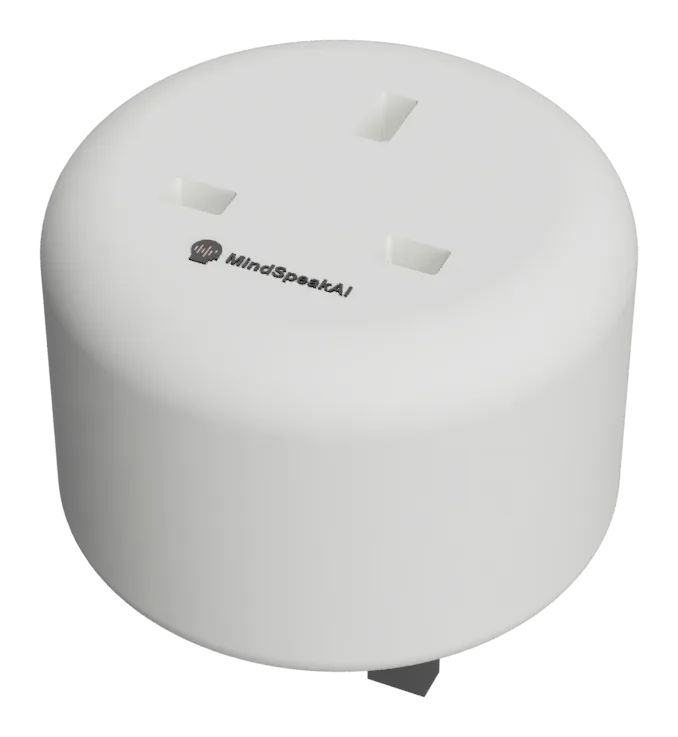 MS-EN03Volt Plug UK
- +2more
Smart entertainment
2 devices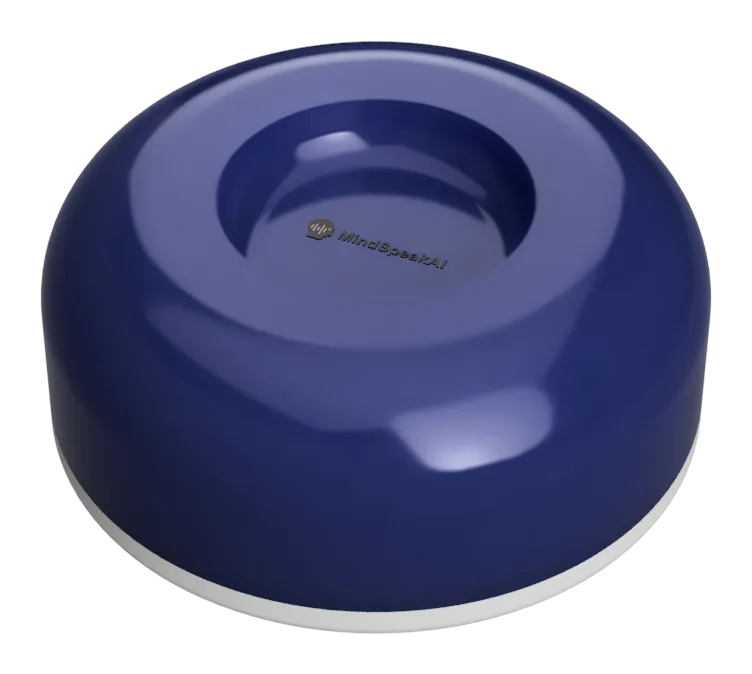 MS-EX01Wave Remote
 MS-EX02Wave Mini
Concept renders. Designs are in development and will change before launch.
Everything reports to the Tower.
Pick a family to see its devices and what the Tower does with each one. Every device here is one we're designing for the Tower.

Tap a family above or on the map
Smart interaction
Screens and voice points in every room, so anyone in the family can talk to the home or tap it.
- Sona Hub XMindSpeakWi-Fi · Thread
MS-IN01
Voice hub with mic array, speaker, light ring and hardware mute
“Is Appa awake yet?” from the kitchen, answered in your language.
- Sona Panel 10MindSpeakWi-Fi · Matter
MS-IN02
10-inch wall touch screen for the living room or entrance
Shows today's timeline and lets guests use the home without the app.
- Sona Panel 7MindSpeakWi-Fi · Matter
MS-IN03
7-inch wall touch screen for bedrooms and kitchens
One tap for “goodnight”: lights off, AC to 26, doors checked.
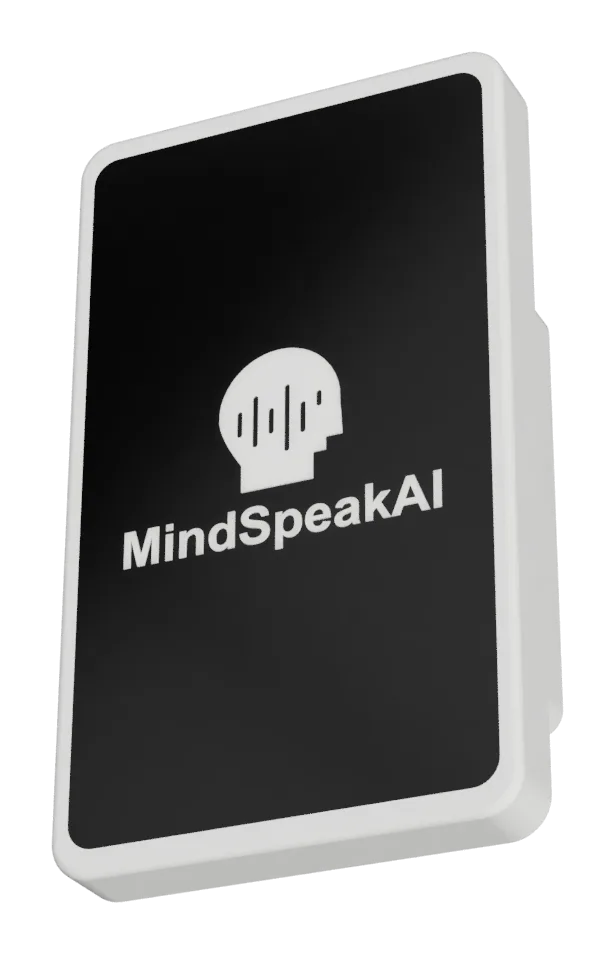
 Sona MiniMindSpeakWi-Fi · Thread
MS-IN04
Square in-wall screen that fits a standard modular box
Puts the room's scenes and a call-family button by the bed.
 Sona Mini TallMindSpeakWi-Fi · Thread
MS-IN05
Portrait in-wall screen for hallways and doorways
By the door: who's home, what's still on, and “I'm leaving”.
A hub routes signals. The Tower understands them.
A door sensor says “open.” The Tower knows it's 2 am, nobody left, and Appa usually sleeps through. That context is the difference.
- 01
Perceive
Camera, microphones, presence radar and every sensor in the home, processed on the Tower.
- 02
Understand
One picture of the home: who is where, what they're doing, and whether that's normal for them.
- 03
Remember
A private timeline of routines, people and preferences that only lives on the Tower.
- 04
Act
Lights, fans, AC, curtains and plugs, through rules that keep running even offline.
Just tell it what you want.
Describe the care you want in your own words and language. The Tower turns it into a rule you can read, then runs it without needing the cloud.
- 01
You say it
“When Amma gets up at night, light the hallway dim. If she's in the bathroom more than 20 minutes, check on her, and call me if she doesn't answer.”
- 02
The Tower reads it back
It turns your words into a plain card: when, where, what happens, and who gets called. You confirm or change it.
- 03
It runs on its own
Once confirmed it becomes a fixed rule on the Tower. Fast, predictable, and it works with the internet down.
How the pieces work together.
Elders
A fall in the bathroom
- 1The Sense Presence Radar sees a sudden drop, then stillness. Breathing is still detected.
- 2The Sona Mini in the bathroom asks: “Amma, are you okay?”
- 3No answer in 30 seconds: family gets an urgent alert, then a call.
- 4A press on the Vigil Key Fob skips all of this and calls straight away.
Babies
Crying in a warm nursery
- 1The Tower hears crying and checks the room: 29°C.
- 2The Therma Mini sets the AC to 26°C.
- 3Your phone: “Crying started a minute ago. The room was warm, so I cooled it.”
- 4Morning summary covers sleep, wake-ups, temperature and air quality.
Pets
Alone at home in the heat
- 1Everyone leaves, so the home switches to away-with-pet mode.
- 2The room passes 32°C, so the AC turns on.
- 3Barking for five minutes sends you an event, not a video.
- 4You can talk to the dog through the Tower from work.
Every home
Power cut, internet down
- 1The Tower moves to its battery. The Core Guard Station keeps battery sensors reporting.
- 2Safety rules keep running locally.
- 3On the Care model, SOS and urgent alerts go out over 4G.
- 4“Inverter at 40%. I'll turn off the geyser and the bedroom AC.”
Keep the devices you already own.
The Tower speaks the open standards the industry already uses, so it works with what's in your home today and whatever you add next. No proprietary radio, no lock-in.
- MatterCommon language with Apple, Google and Amazon devices
- ThreadLow-power mesh for MindSpeak sensors and switches
- ZigbeeThe large base of sensors and plugs already sold
- Wi-FiSona screens, cameras and higher-bandwidth devices
- Bluetooth LESetup and wearables like the Vigil Key Fob
- InfraredACs, TVs and fans that only have a remote
- RS485Inverters, solar, meters and central AC
The AI suggests. Rules decide.
Every action passes through a safety layer on the Tower. Raw video and audio never leave the house, and the camera and mic have hardware switches.
- 01
Acts on its own
Lights, fans, AC temperature, TV, curtains
The Tower acts, logs it, and can always tell you why.
- 02
Asks you first
Unlocking doors, disarming security, sharing an image
Nothing happens until you confirm on your phone.
- 03
Never left to AI
Smoke, gas, water leaks, SOS
Fixed safety rules that respond instantly and never wait on a model.
Built in four steps.
Devices and timing are preliminary and may change.
- Phase 1
Foundations
The Tower pairs with Matter, Thread and Zigbee devices, with a local voice agent and safety rules.
- Phase 2
Care core
Sense Presence Radar, Vigil Key Fob, Sona Hub X, Mote Switch Module and Wave Remote, piloted in real homes.
- Phase 3
Breadth
The full Aria, Linea and Opal switch ranges, Drift shading, Therma climate and Volt energy devices, plus an open spec for third-party devices.
- Phase 4
Scale
Senior-living and hospitality deployments, Core Stations for large homes, and the Iris cameras.
Build a device for the Tower.
Every MindSpeak device will ship with open schematics and firmware, and the Tower exposes local APIs for anything you build. Start with the Dev Kit.